Open, closed or on a break.
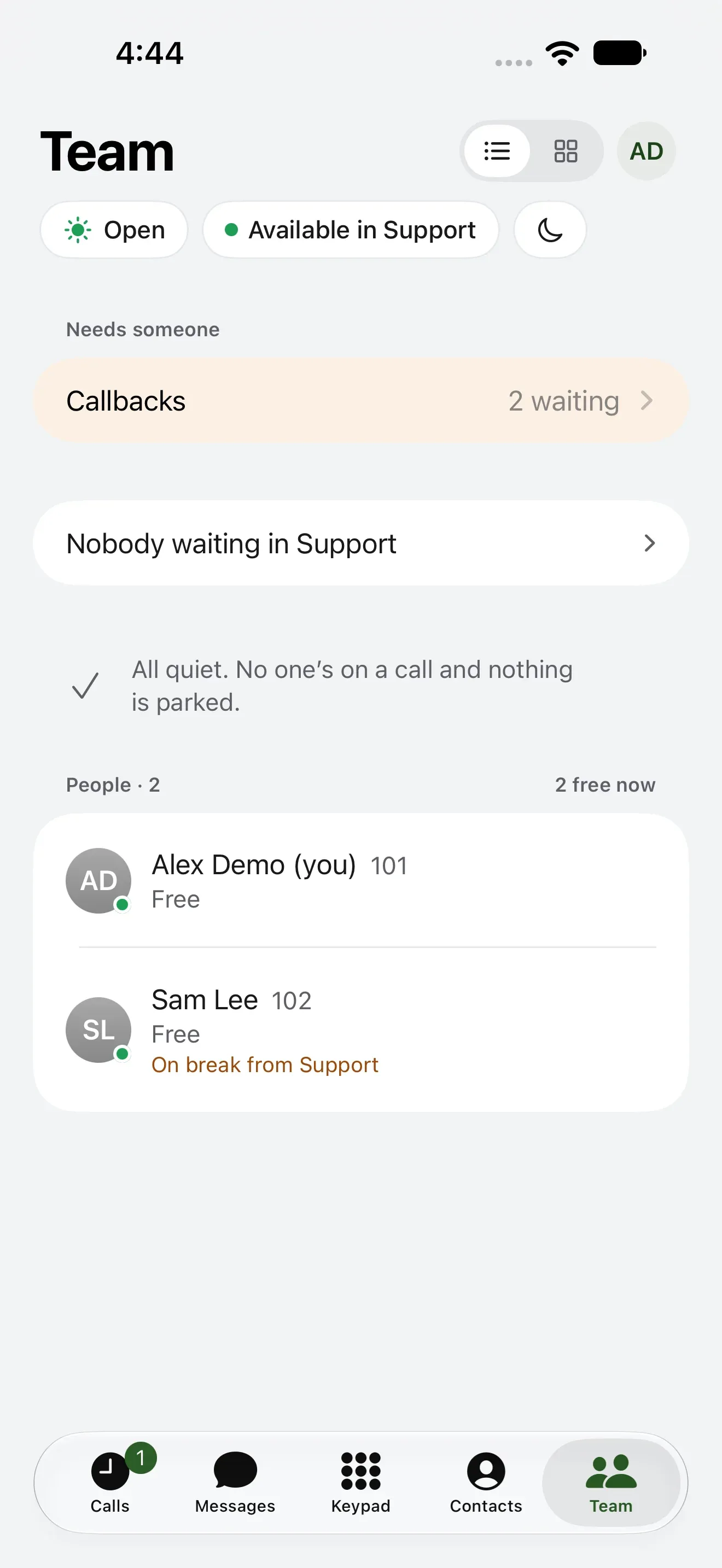
Close the office from the parking lot, step away from a queue, or go Do not disturb. Callbacks waiting and who’s free, at a glance.
iPhoneAndroidMacAny browser
The Kafono app rings with your home or business number on iPhone, Android and Mac. Call out as that number, text, and read your voicemail, wherever you are.
Nothing to install? Your account works in any browser.
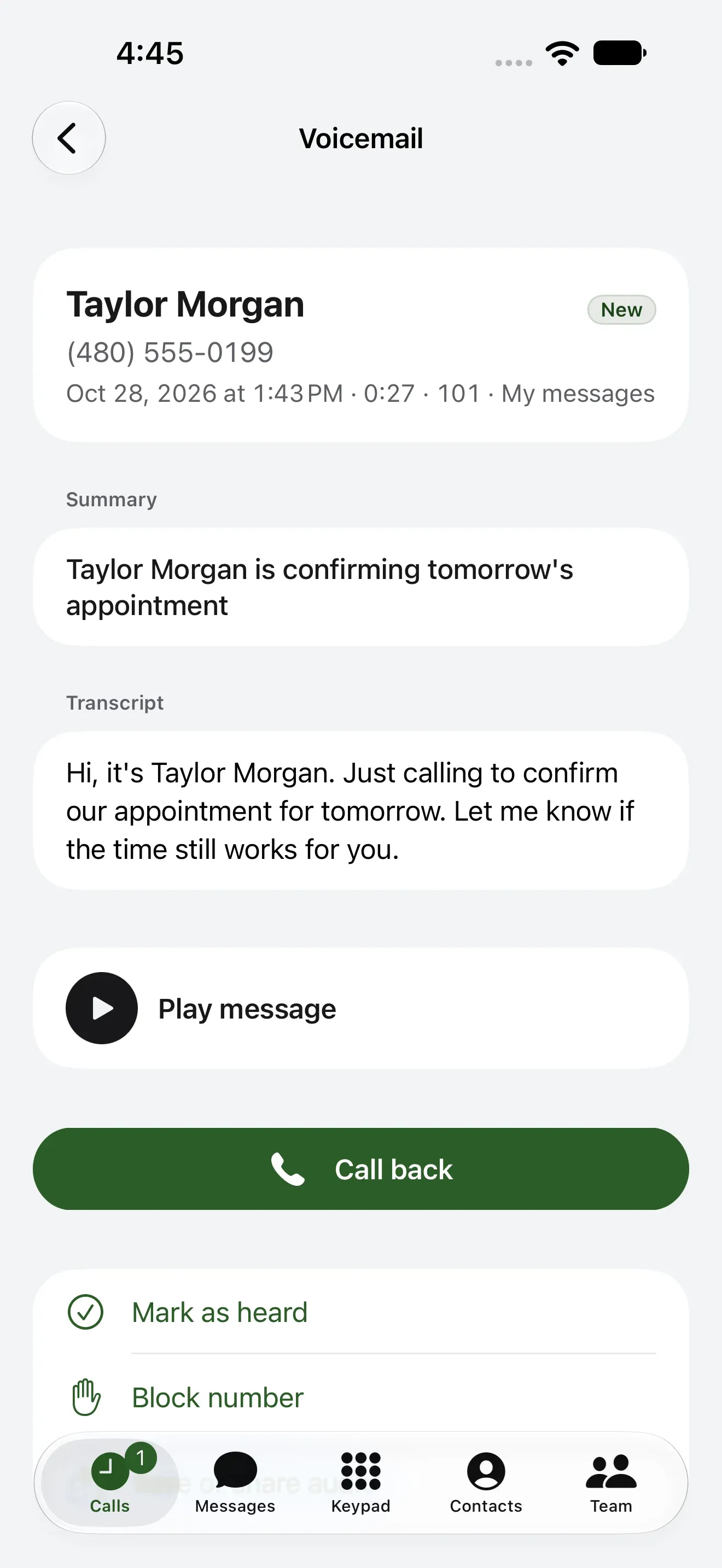
Sign in once on each. Your calls, texts, voicemail and contacts are the same on every one.
Rings with Apple’s own call screen, locked or not, and keeps its calls in the iPhone’s Recents.
Rings as a full-screen call. Texts, voicemail, missed calls and faxes arrive as notifications.
A native app for the desk: calls, team texts, voicemail and notes in one window.
Kafono for MacEvery setting in your account, and on a business account, calls in a tab with a headset.
The web phoneA call on the iPhone app, from the first ring to the call’s own page afterwards.

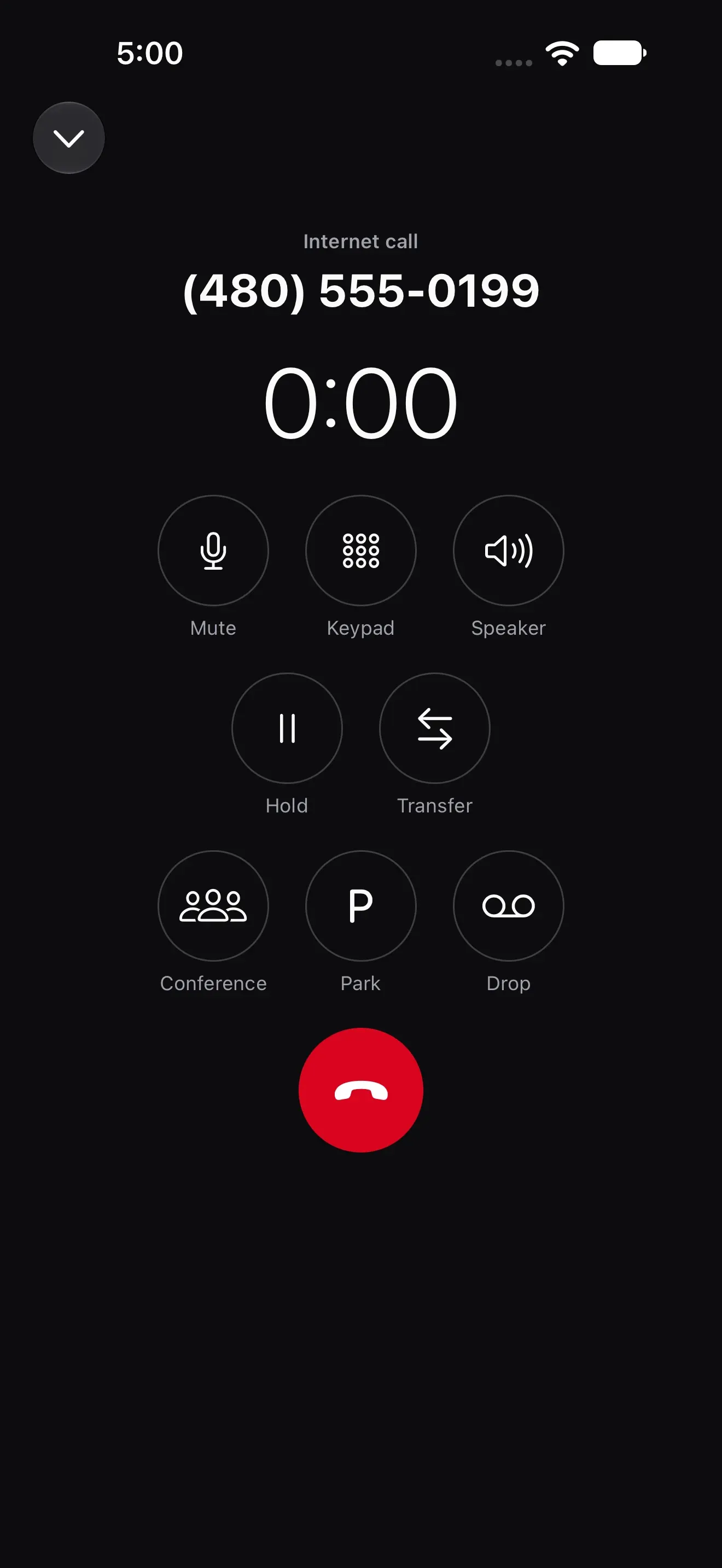
Apple’s own call screen, locked or not, and the call lands in the iPhone’s Recents. The app says which of your numbers they called: the main line, a department’s or your extension.
Mute, hold, and transfer to a coworker. Park the call for anyone to pick up, bring in a third person, or drop a recorded message in their voicemail and move on.
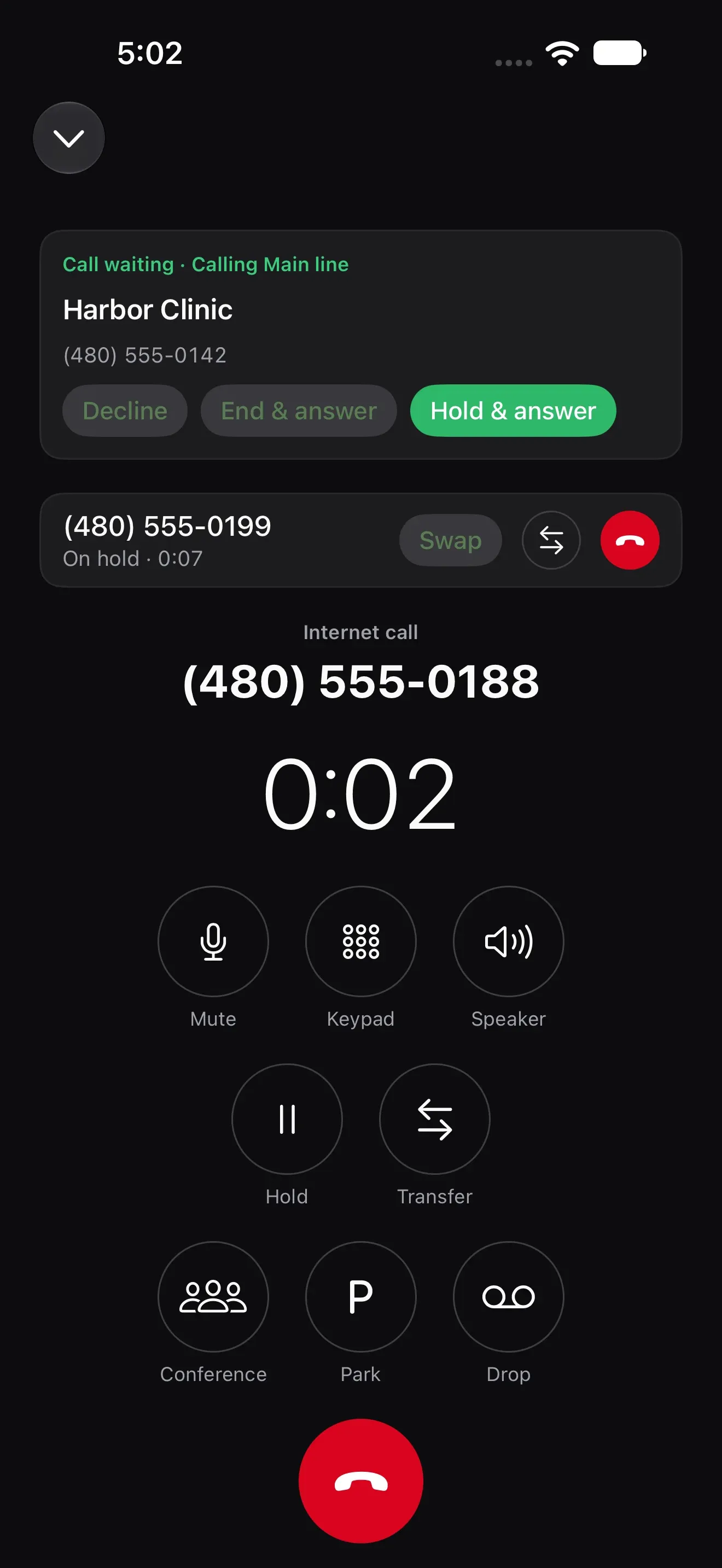
Hold this one and answer, end it and answer, or decline. The call on hold waits at the top, a tap from Swap.
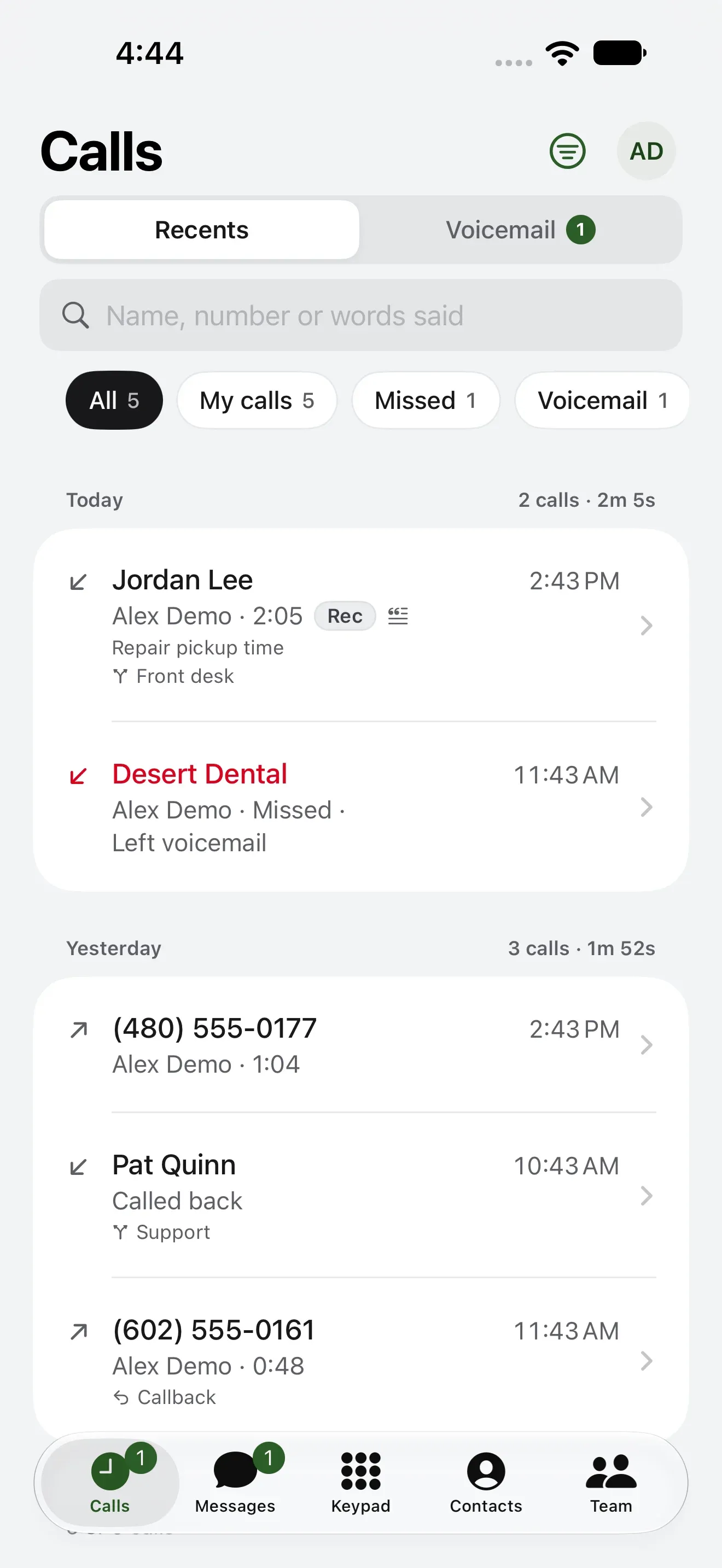
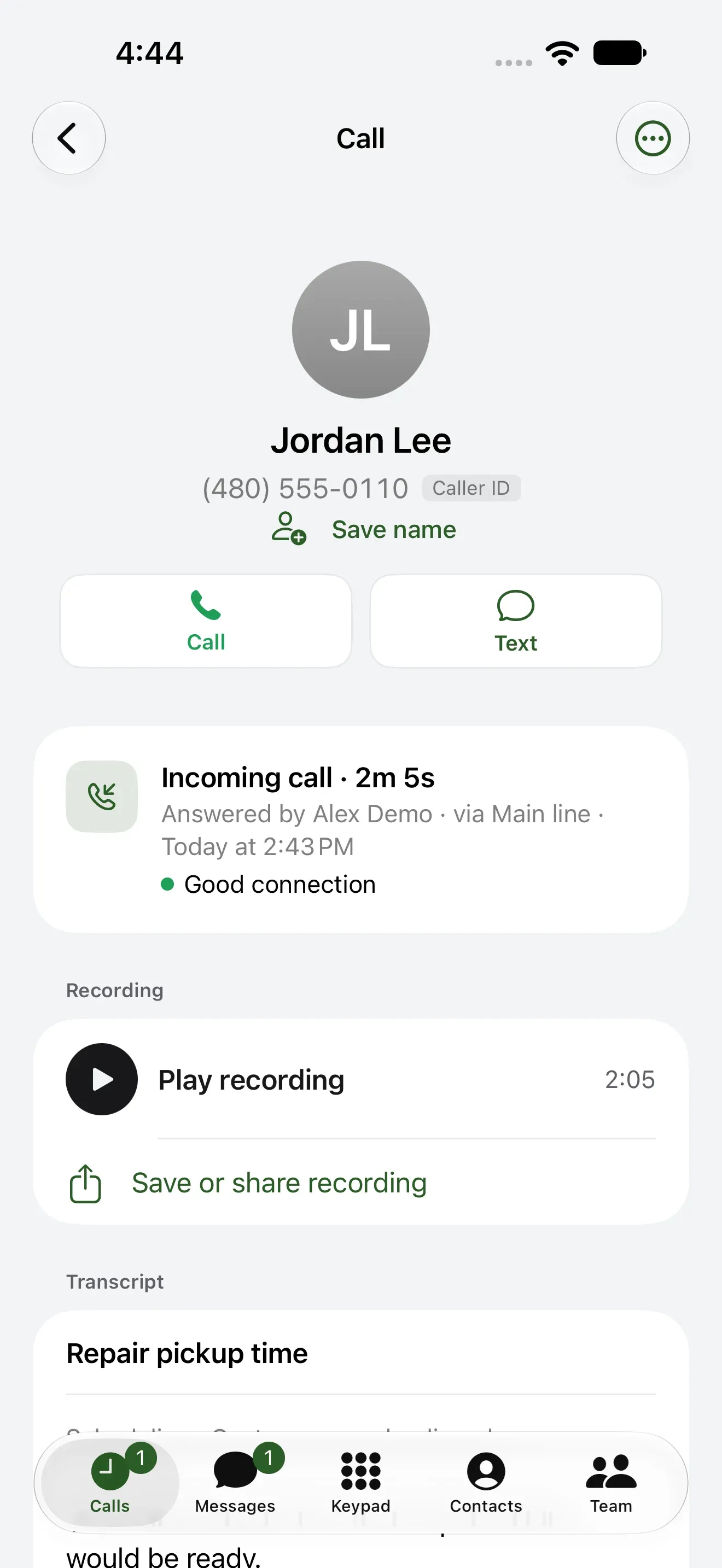
Each call’s page says who answered and through which number, and a recorded call keeps its recording and transcript, to play, save or share.
On a business account the app carries the team’s day: who’s free, the texts, the contacts you share and the fax.
Close the office from the parking lot, step away from a queue, or go Do not disturb. Callbacks waiting and who’s free, at a glance.
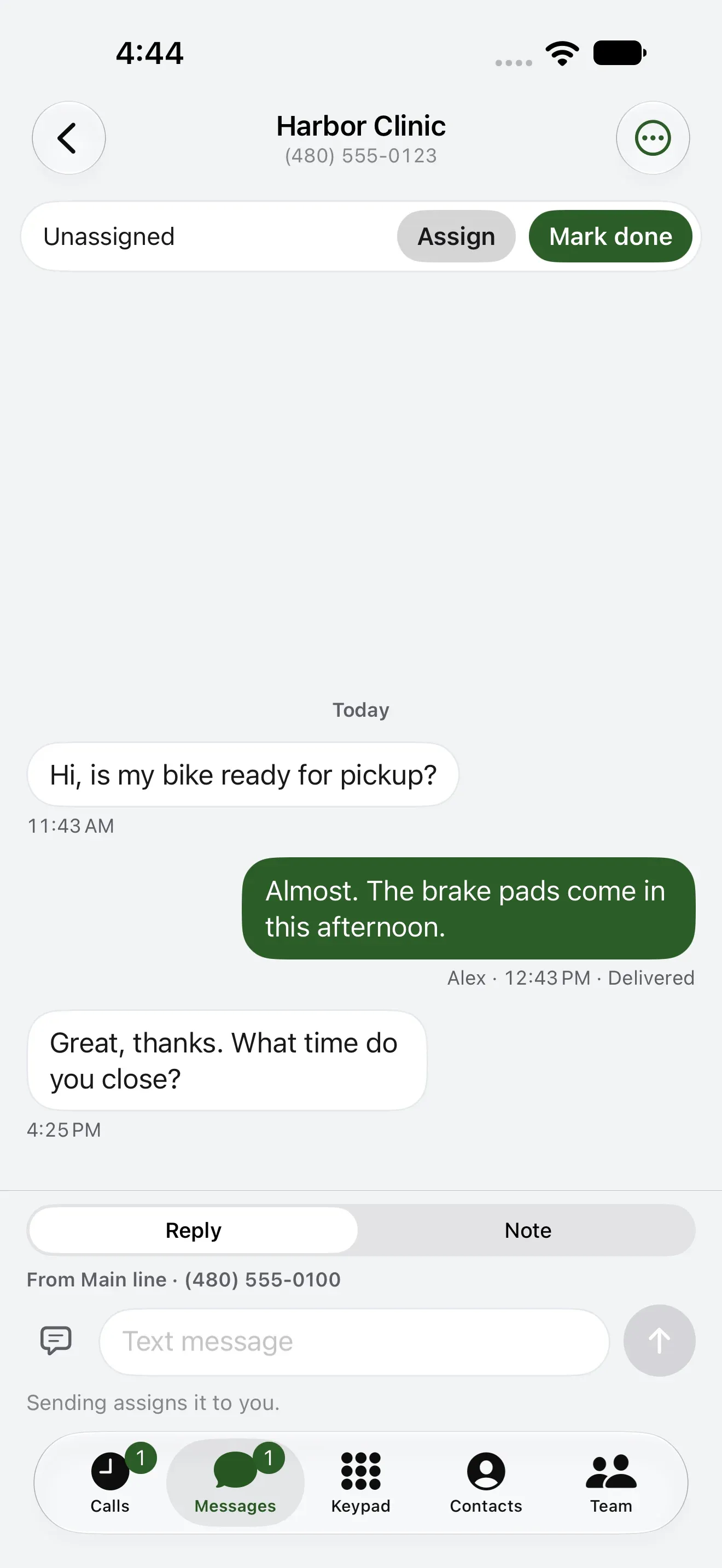
Customers text your business number and everyone sees the thread. Take it, hand it on, mark it done, or leave a note only the team reads.
Business texting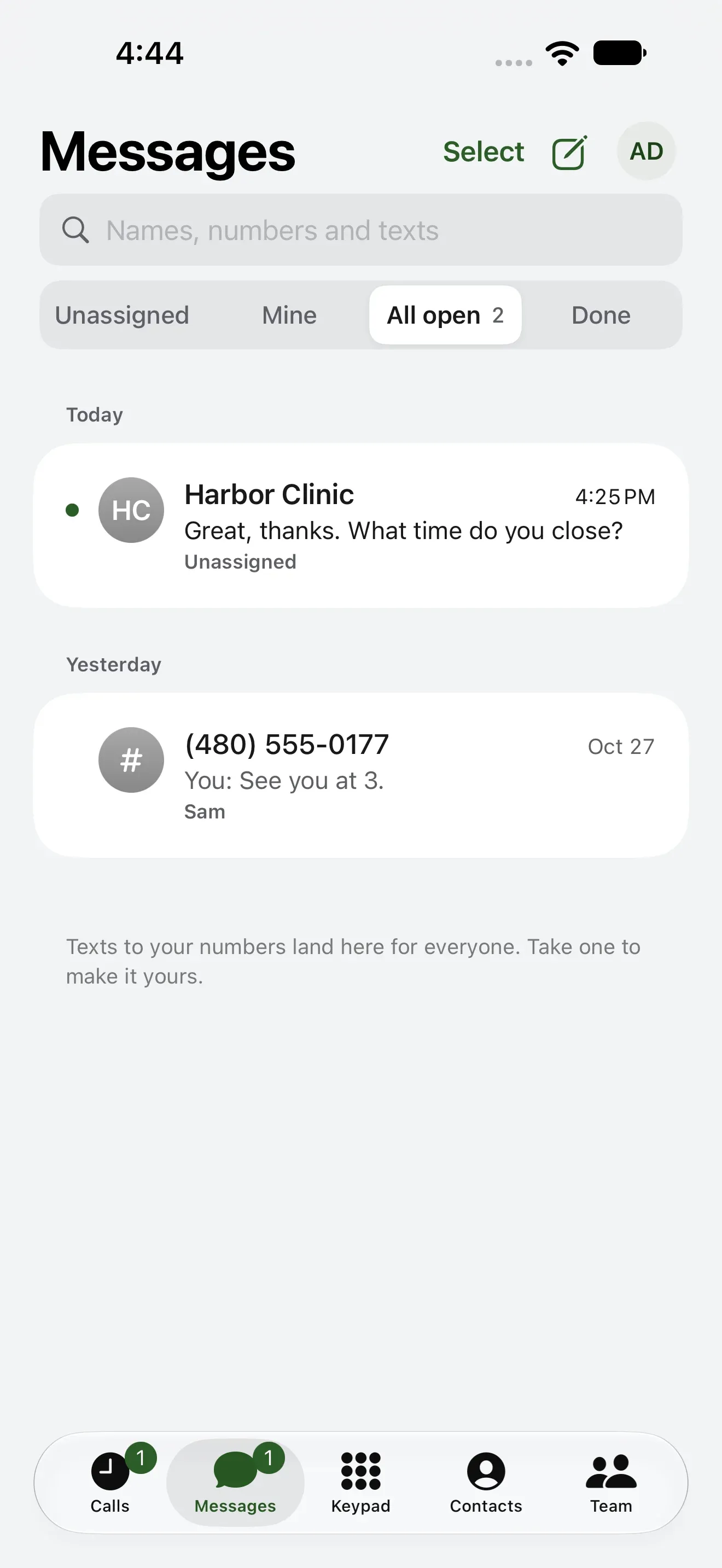
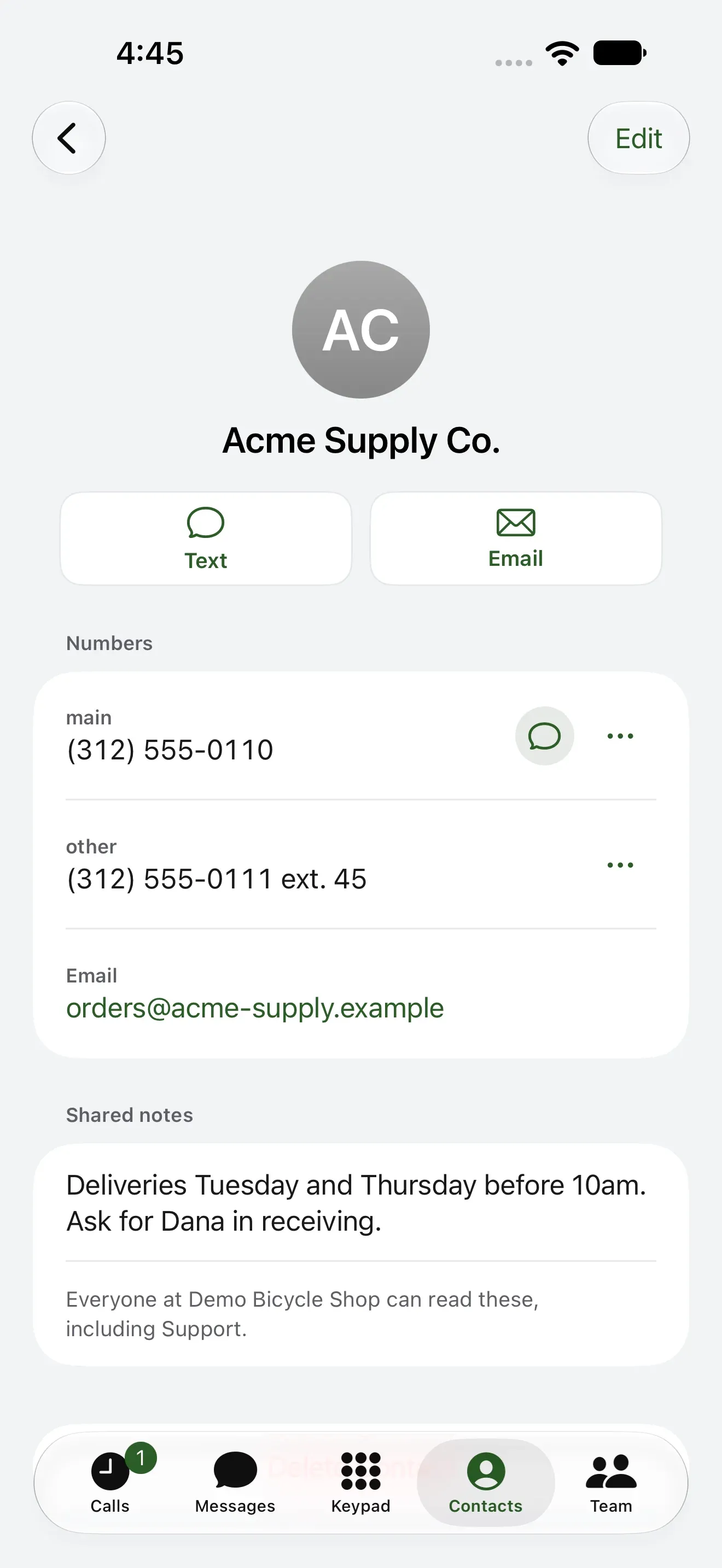
A customer’s numbers, and a note that travels with them: when to deliver, who to ask for.

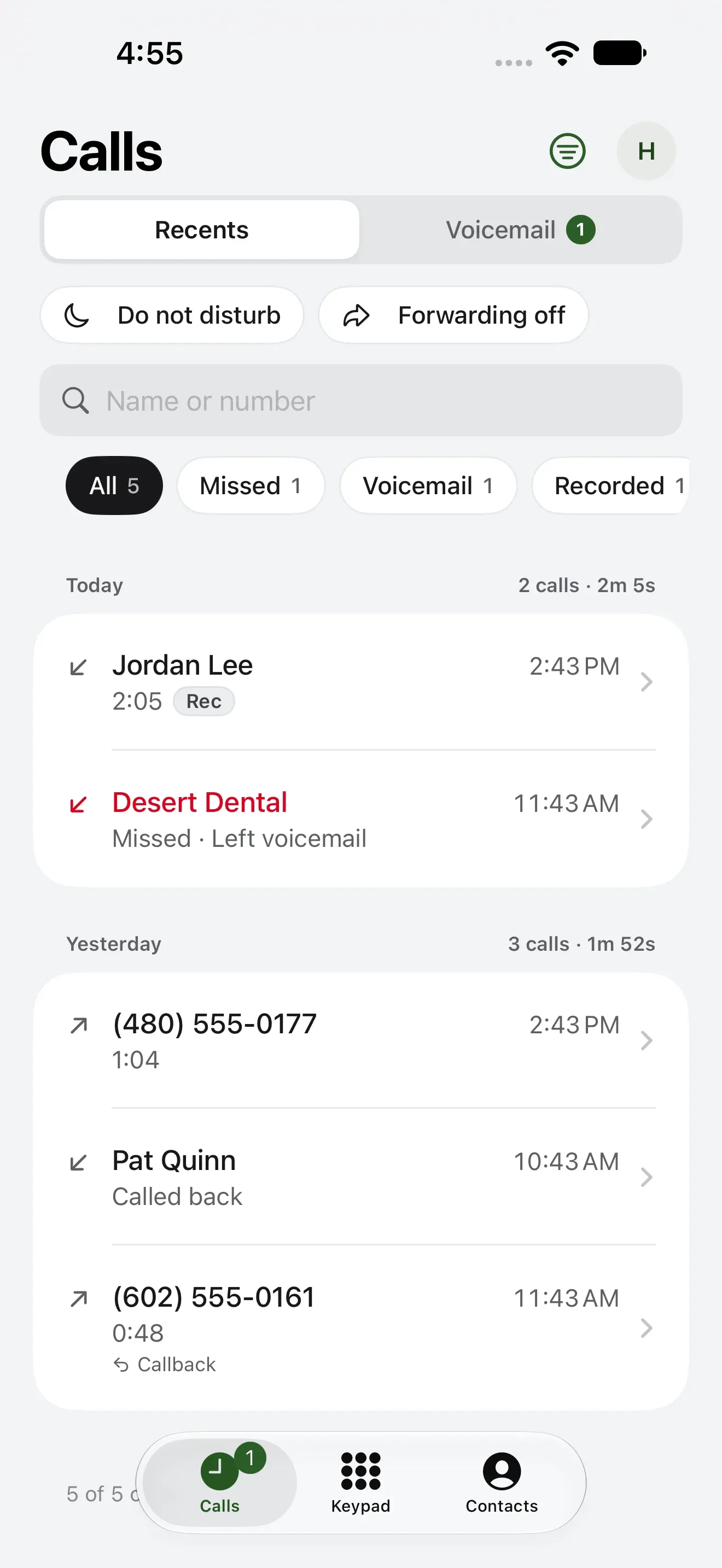
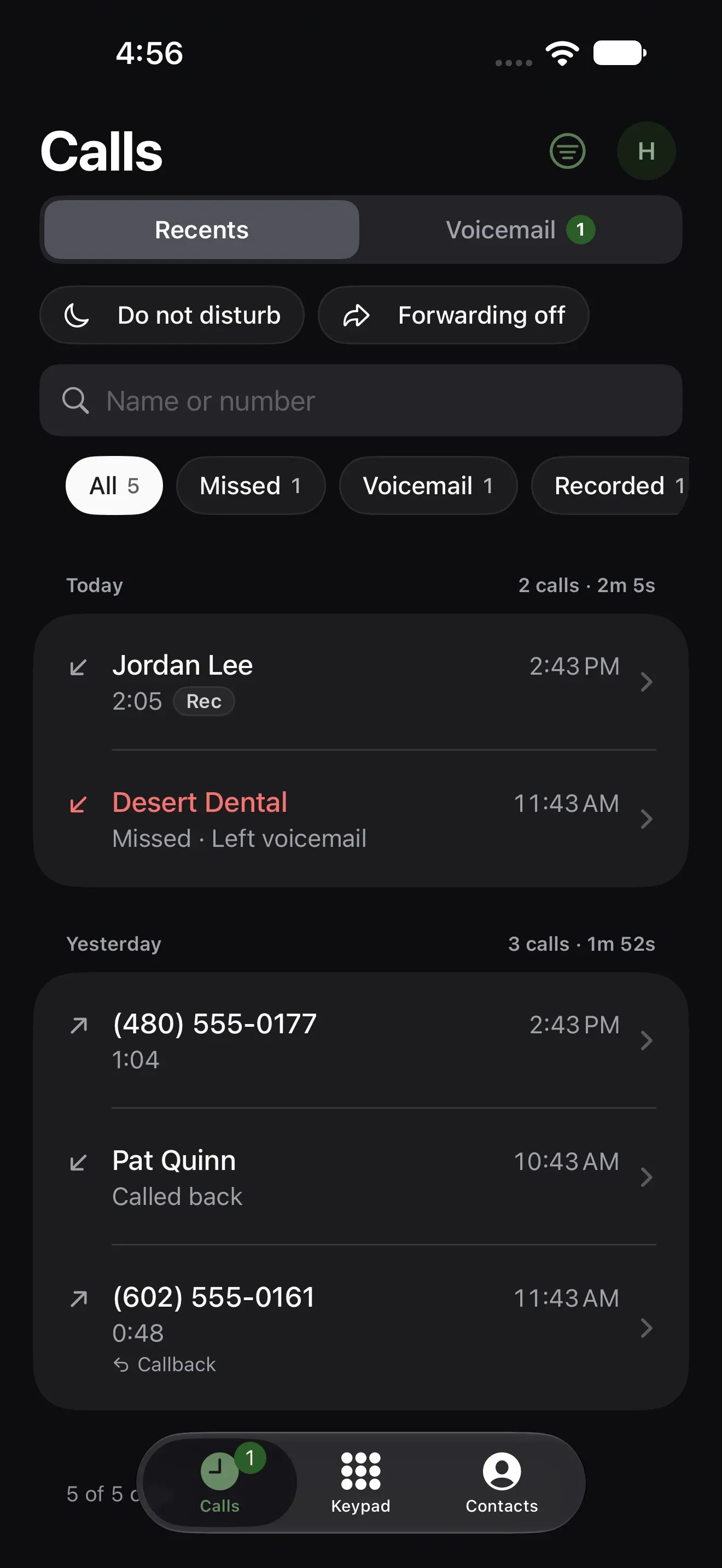
The house number rings the app wherever you are, and the calls you make from it show the home number, not your cell’s.
Calls, team texts, voicemail and notes in one window, with ⌘K to jump to anything.
More on the Mac app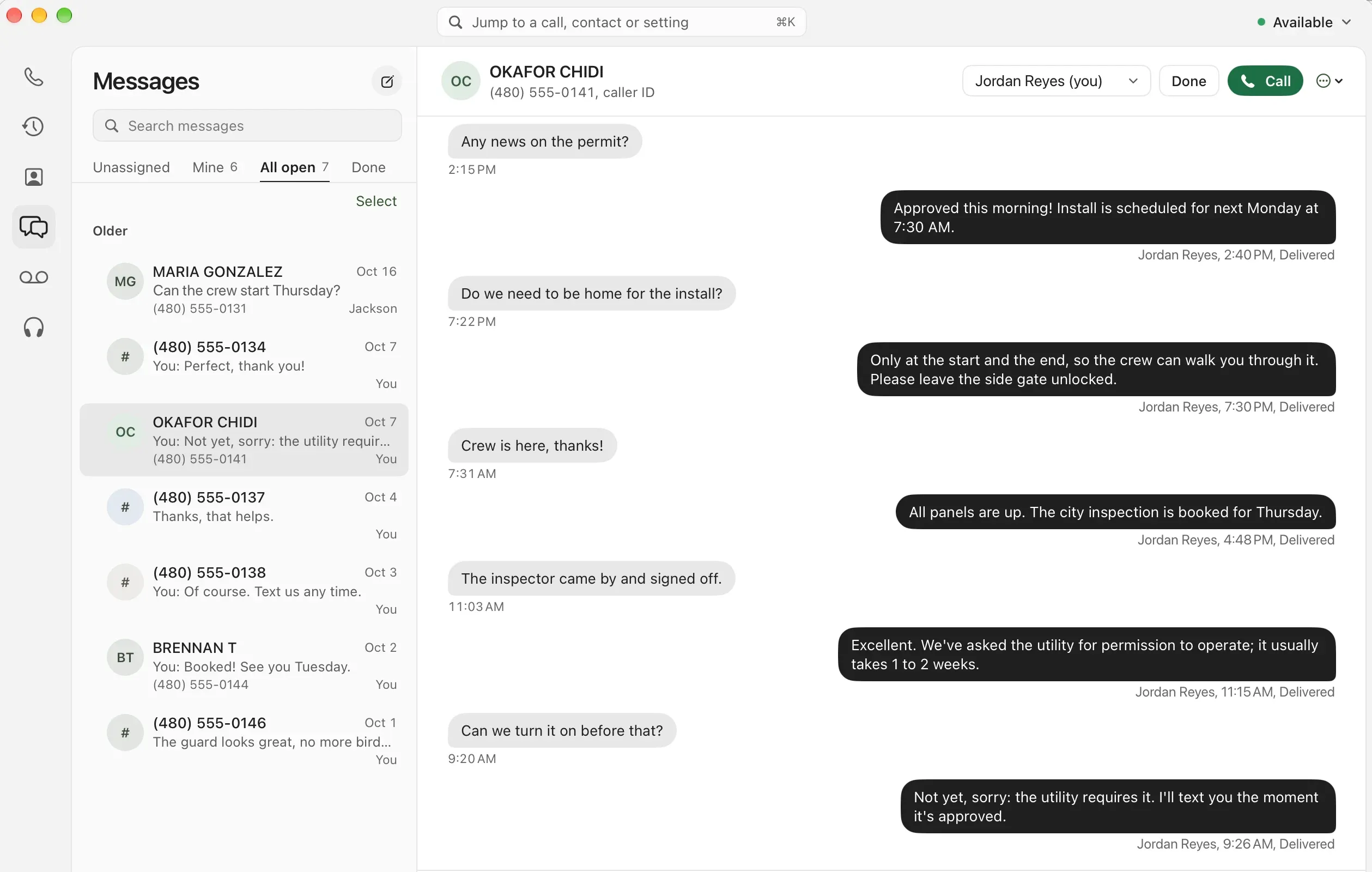
Every setting and every call in your account. On a business account, turn on calling and your extension rings in the tab.
More on the web phone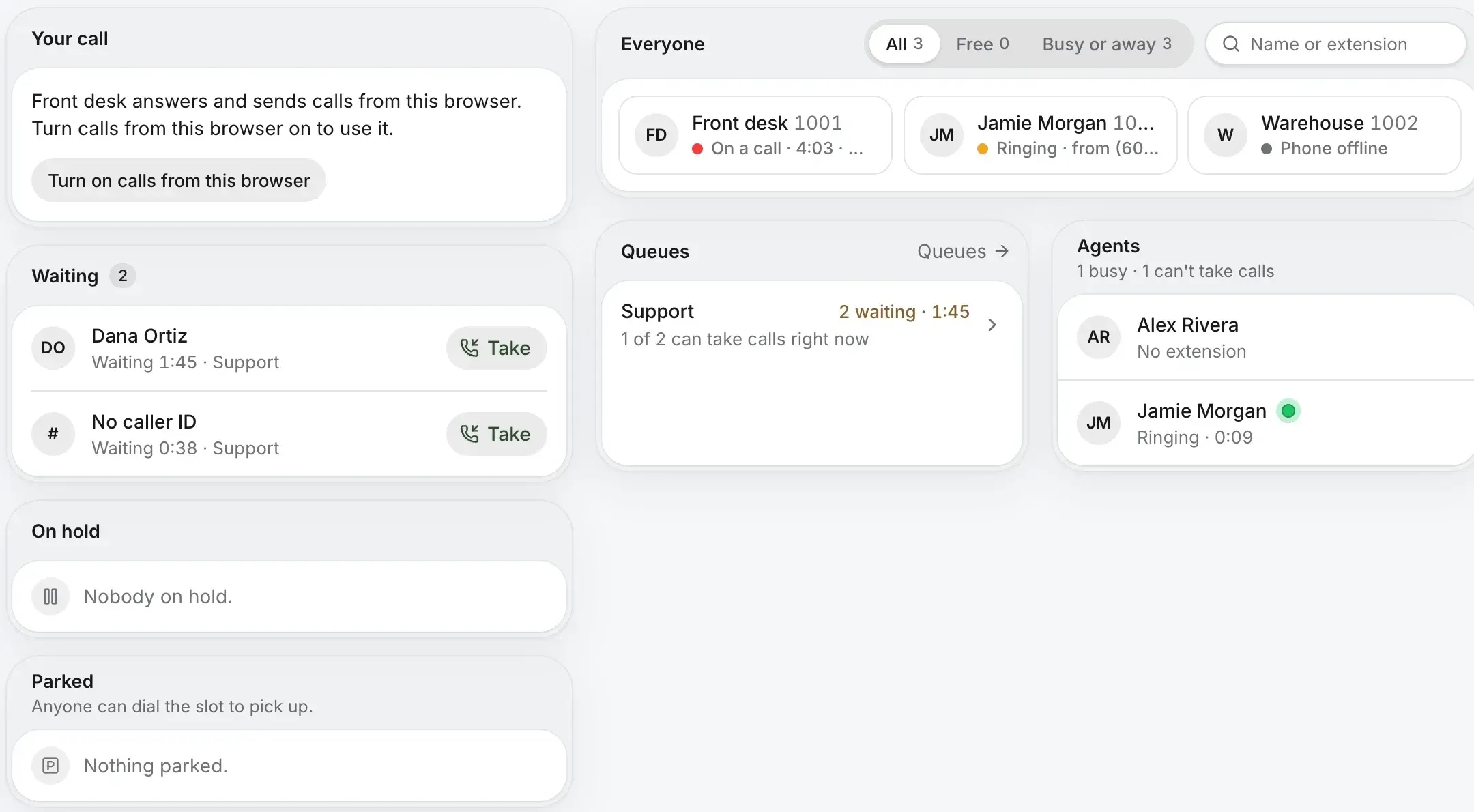

Check your number and pick a plan. The apps come with every one.
Rather talk it through? Write to us and a person answers.