Start with your number.
Check that it can come to Kafono, then pick a plan. Every price is on the page.
Rather talk it through? Write to us and a person answers.
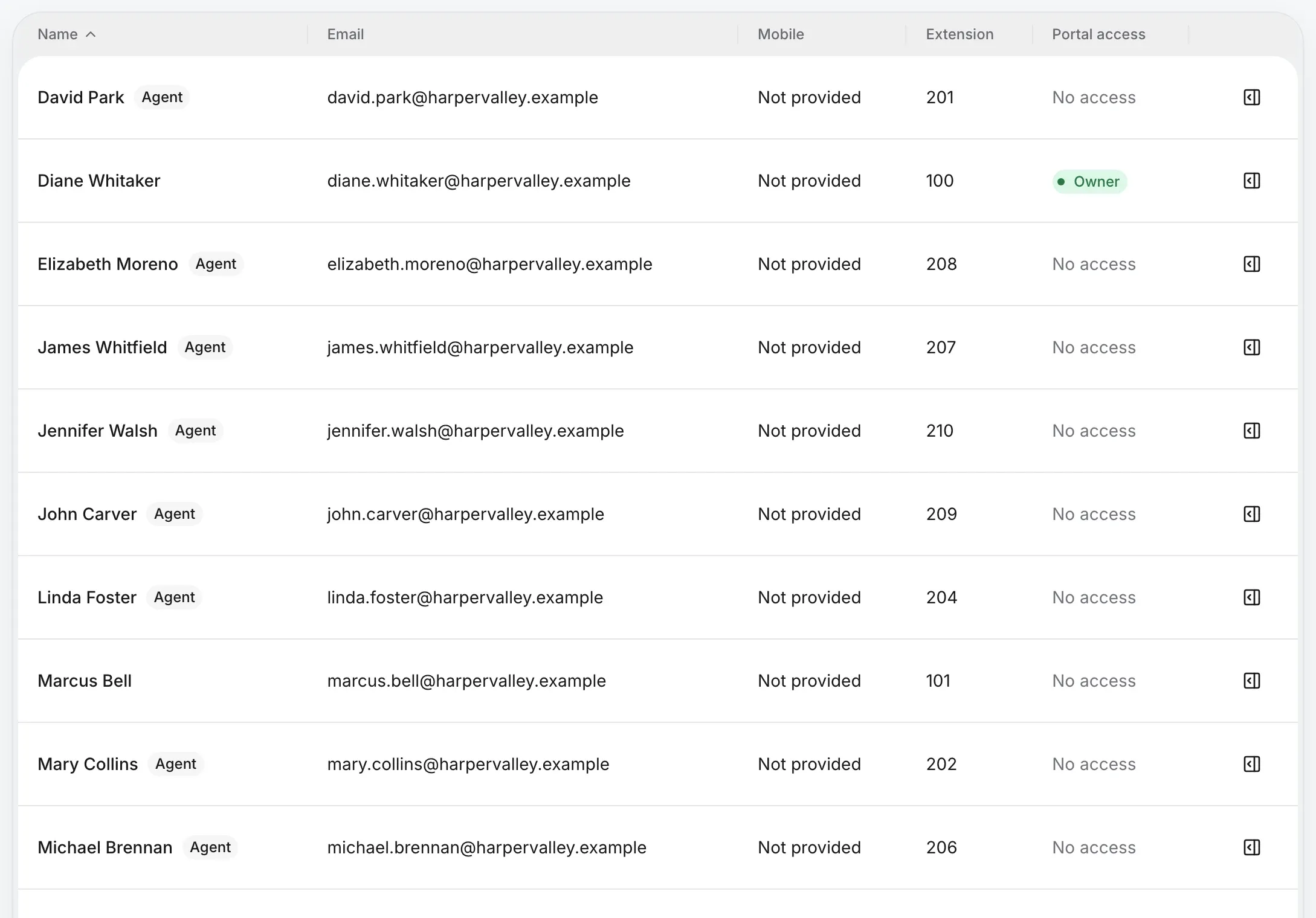
Owners and admins run the phone system. Staff get their own phone, their calls and their messages. You decide who listens to recordings and reads transcripts.
For businesses
Owners, admins and staff, each seeing what their job needs.
Owners and admins set up numbers, routing and settings. Staff get their own phone, forwarding and voicemail, the team’s shared inboxes and call history, with recordings as you allow.
Choose whether staff can play every recording and read every transcript, only their own calls’, or none. Owners and admins always can.
Give a person access and they get an email with a link to set up their login. Turn their access off when they leave.
Check that it can come to Kafono, then pick a plan. Every price is on the page.
Rather talk it through? Write to us and a person answers.