Put a phone where the calls are.
Check your business number, then choose your phones at checkout. Or skip them: the app is enough for many teams.
Rather talk it through? Write to us and a person answers.
Some calls want a proper handset. Every key on the desk knows who’s on a call, what’s parked and whether you’re closed, set once for the whole office.
1001 Front desk2:18 PM
2:18
Tuesday, Nov 3
Key layout: Front office
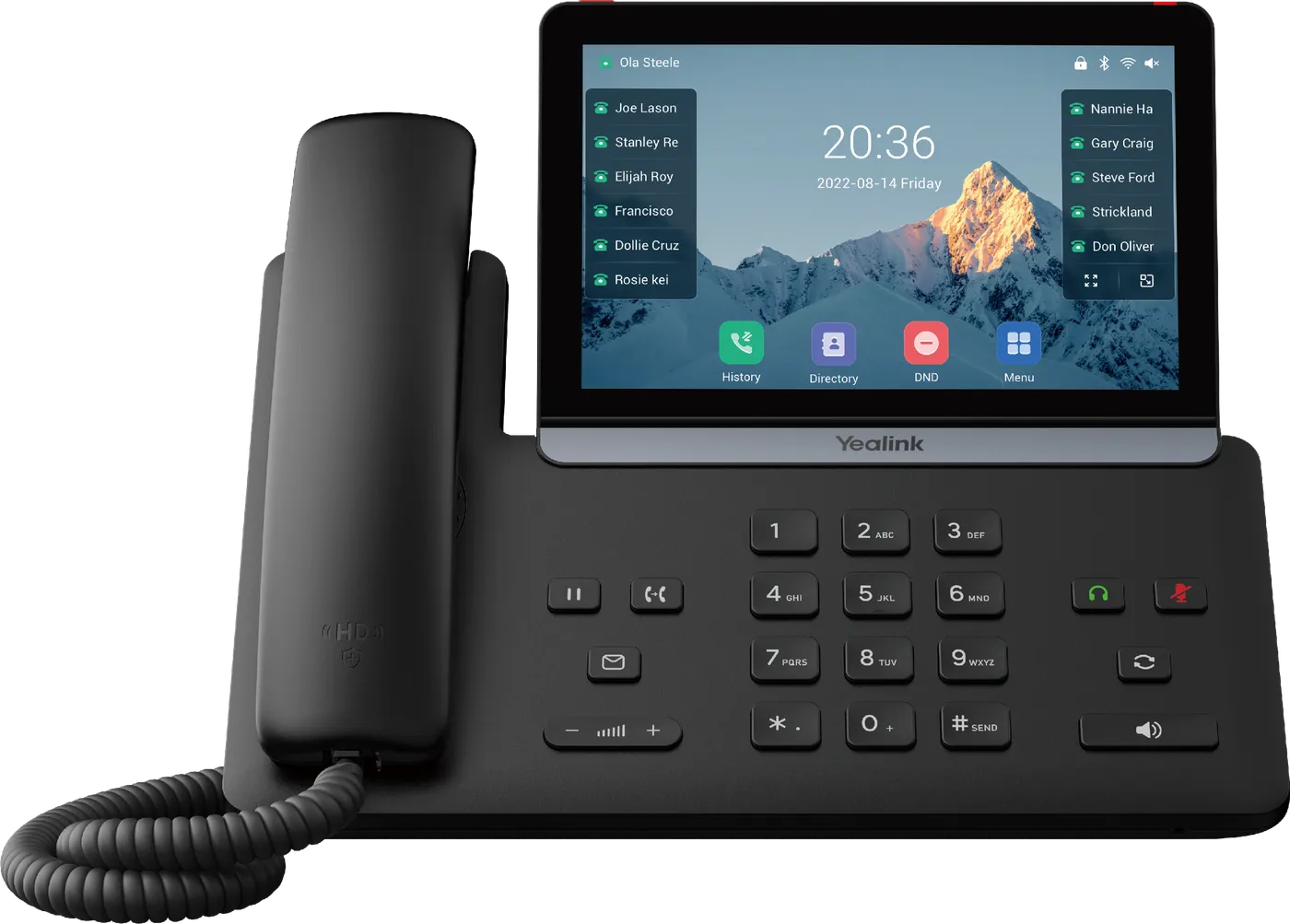
A Yealink T87W, with a drawn screen. The keys and names are a sample.
Mix them on one business number. Each one counts as a person at $15 a month, and you buy the phone once.
Answers the main line and transfers calls all day
Made for the front desk
A 4.3-inch screen with room for many lines, so the main number never gets lost.
$169
The big touchscreen
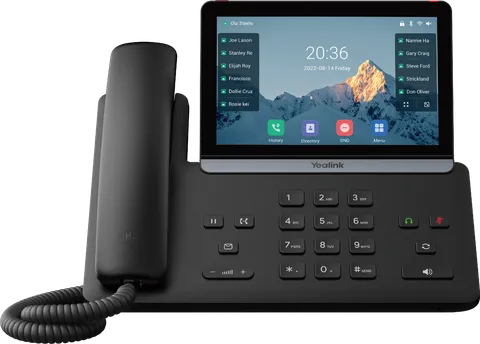
A 7-inch touchscreen and AI noise cancellation, for whoever’s on the phone all day.
$279
The everyday desk phone
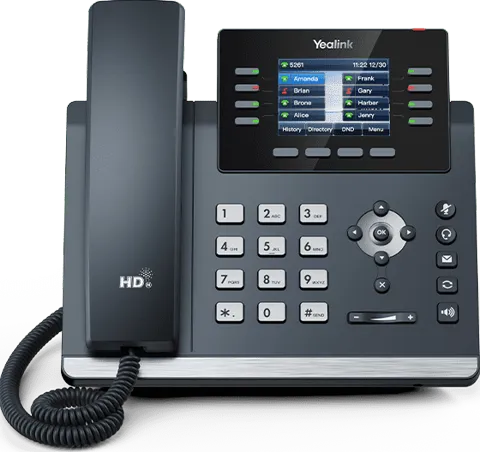
A color screen, and Bluetooth for a wireless headset.
$100
Offices, back rooms, a desk of their own
The everyday desk phone
A color screen, and Bluetooth for a wireless headset.
$100
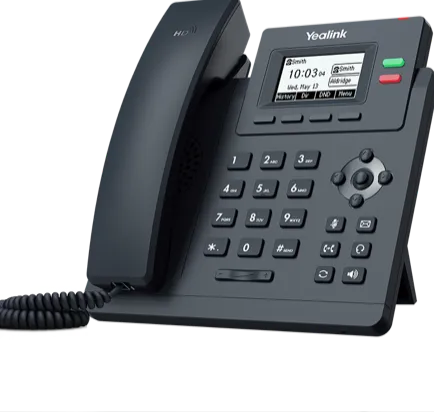
The basic
Two lines and a simple screen. For a break room, or a desk that rarely rings.
$79
Made for the front desk
A 4.3-inch screen with room for many lines, so the main number never gets lost.
$169
The big touchscreen
A 7-inch touchscreen and AI noise cancellation, for whoever’s on the phone all day.
$279
Shop floors, clinics, restaurants
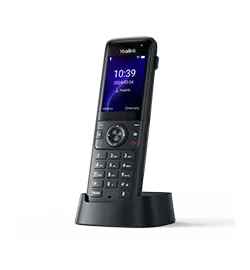
A slim Wi-Fi handset
Roams your Wi-Fi, with no base to set up. 9 hours of talk.
$80
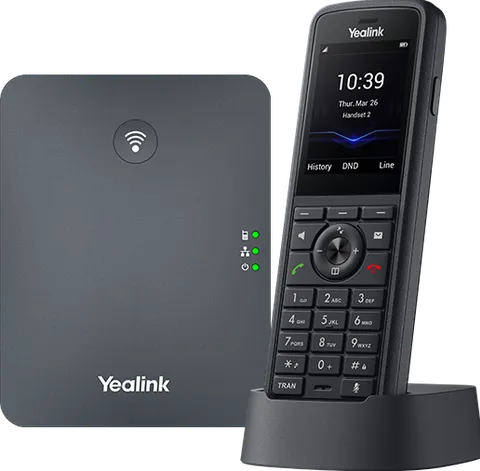
A cordless set: no Wi-Fi needed
Its own base, up to 10 handsets. Waterproof, and fine after a 6-foot drop. 21 hours of talk.
$169 with a handset, $89 each after
Warehouses, kitchens, yards, outdoors
The rugged Wi-Fi handset
Waterproof, dustproof and fine after a 6-foot drop. 13 hours of talk.
$149
A cordless set: no Wi-Fi needed
Its own base, up to 10 handsets. Waterproof, and fine after a 6-foot drop. 21 hours of talk.
$169 with a handset, $89 each after
A shared phone, counted as one person
The basic
Two lines and a simple screen. For a break room, or a desk that rarely rings.
$79
The everyday desk phone
A color screen, and Bluetooth for a wireless headset.
$100
One-time prices, before taxes. See every phone and adapter
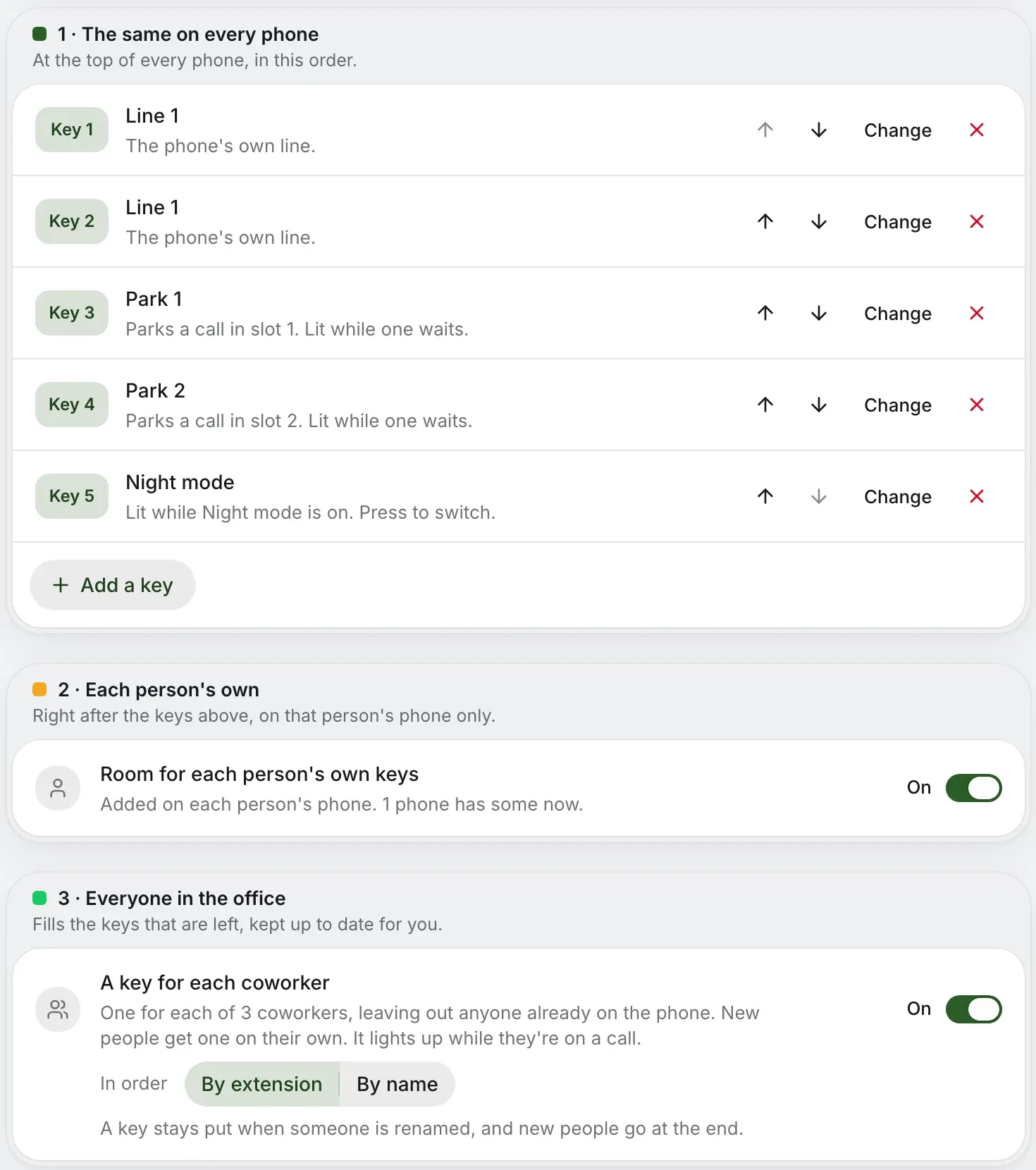
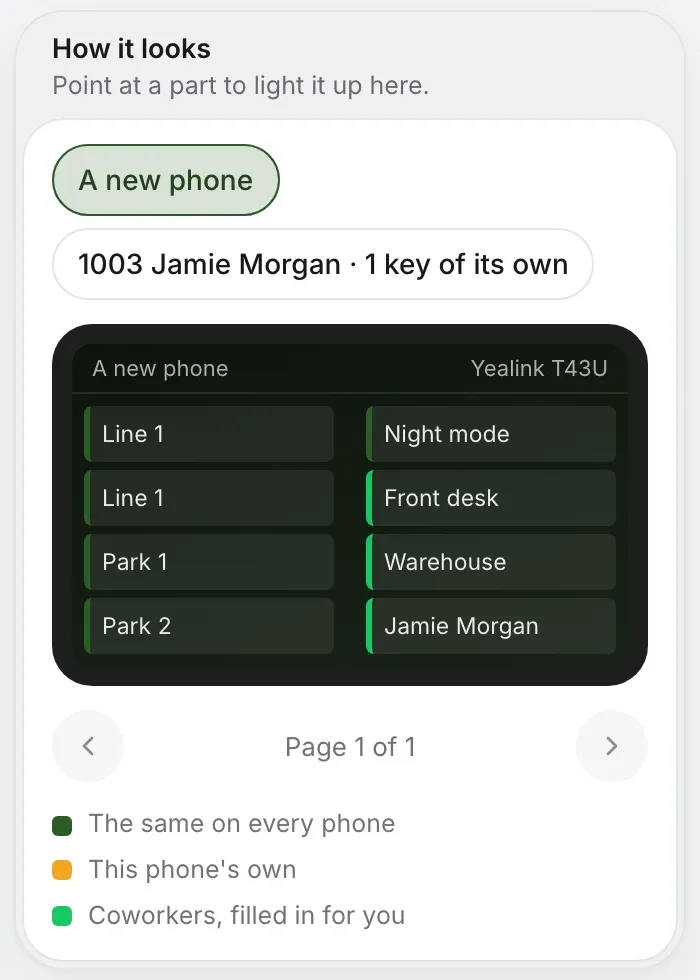
A key layout says what every phone shows, in plain words. No key-by-key setup on each desk: pick a layout, and phones on it stay the same.
Line, parking spots, Night mode. At the same place on every phone that follows the layout, so nobody hunts for them.
Room for a speed dial or two. Added on that person’s phone, and they stay when the layout changes.
Fills the keys that are left, one for each coworker, lit while they’re on a call. New people get one on their own.
Whoever transfers calls all day needs everyone in reach. A sidecar sits beside the phone with a lit key for each person: free or busy at a glance, and one press to send the call.
Prefer a screen? Front desk does the same job in the browser.
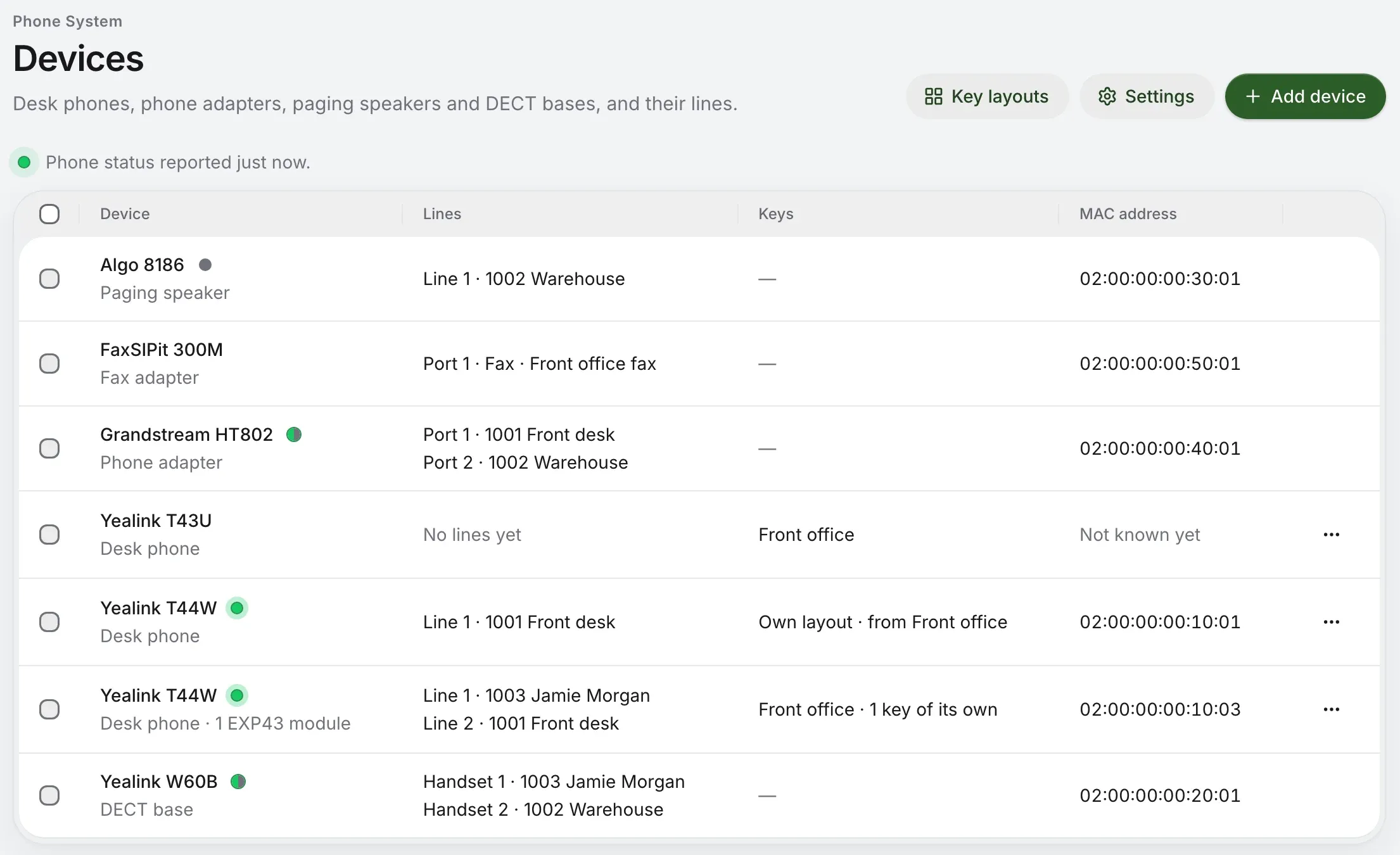
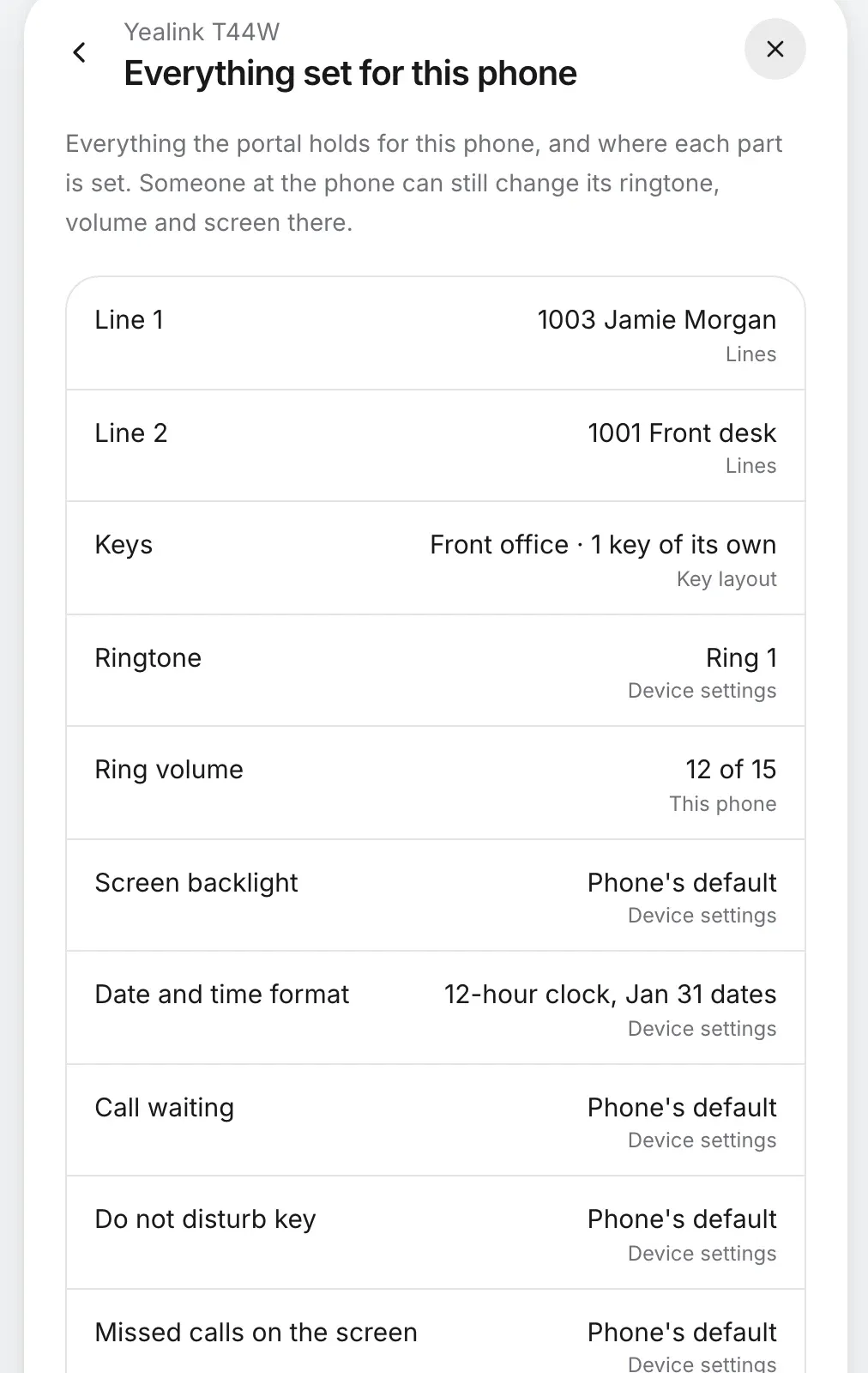
What’s online, which lines it carries, and what its keys do, for desk phones, handsets, adapters and paging speakers alike. Owners and admins look after it from the portal.
Check your business number, then choose your phones at checkout. Or skip them: the app is enough for many teams.
Rather talk it through? Write to us and a person answers.